
01
Save time
Save time at every stage of a project, from design to completion. Focus on what matters: taking on more projects.
SOFTWARE. INDUSTRY KNOW-HOW. PROGRESS.
Connect design, costing and production. Digital tools and people who understand your work — from the independent furniture maker to modern manufacturing.
From your first design to your next stage of growth.
THE DIFFERENCE IN YOUR EVERYDAY WORK
Save time at every stage of a project, from design to completion. Focus on what matters: taking on more projects.
Configure automated costing around the way you work. Build a clear picture of each project’s costs and reduce the risk of pricing too low or too high.
Use suitable AI tools to create photorealistic images and presentations. Help customers see the finished result before production begins.
Capture technical and production knowledge in the software so it stays with the business, not just one person. Build repeatable processes, greater automation and less dependency on particular individuals.
01 / THE INNOPAL FLOW
From idea to finished product. Corpus structures the project; Rhoe brings operational visibility and control.
Scroll through the process, or choose a stage.
Design · Costing · Production
Geometry & construction
Continuous visibility, at every stage.
A view of the starting point01A clear starting point
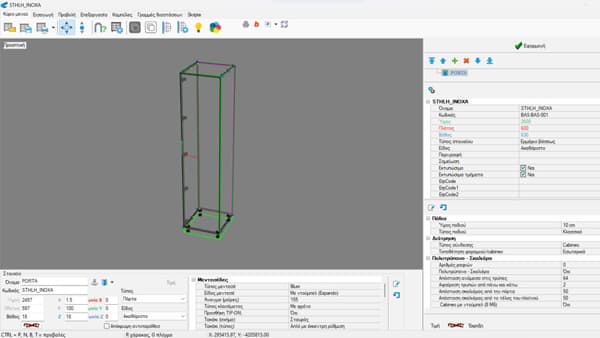
The right library brings technical and production knowledge into each component. Design projects more easily, without having to know every construction detail yourself.
CorpusGeometry & construction
RhoeA view of the starting point
02Decisions with a clear basis
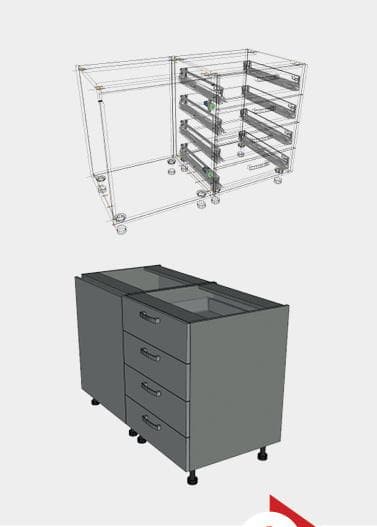
With a configured costing model, calculate project costs quickly: per metre, square metre, piece, hole, time, or another calculation method suited to your business.
CorpusMaterials, quantities & cost
RhoeCost context for decisions
03From information to execution
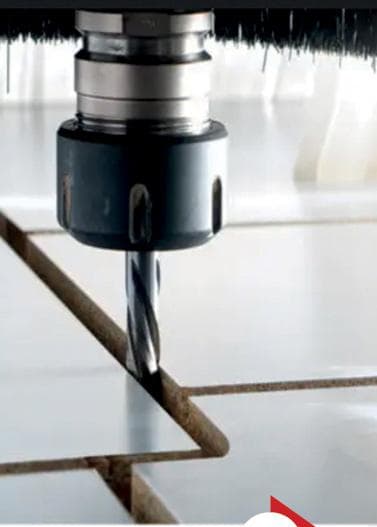
With suitable connections, project data can guide machines and barcodes can link production stages. Reduce manual work, time, errors and reliance on specialised manual knowledge.
CorpusPanels & production preparation
RhoeProgress & operational control
04Every requirement in view
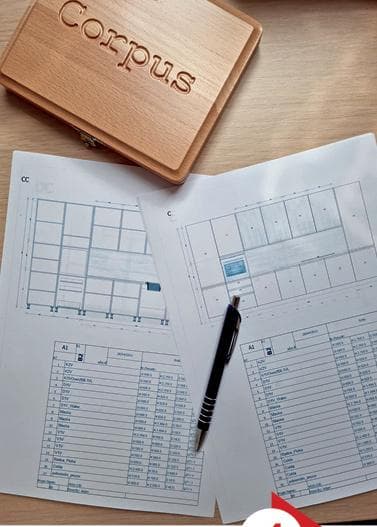
Generate a consolidated list of the materials and components required for the project. The warehouse can use it to organize picking and preparation for production.
CorpusComponents & structured quantities
RhoeRequirements in context
05Knowledge for the next project
Complete the project with a clear picture of its progress, time and costs. Keep the information available to help organize the next project even better.
CorpusA complete project record
RhoeReporting & a view of the outcome
Conceptual business workflow, not live production data. Stages may overlap; monitoring and connections depend on the agreed implementation.
02 / YOUR WAY OF WORKING
See how INNOPAL adapts to your needs and supports your growth, at every business size.

Your design. A partner's production.
Keep the customer relationship, design, costing and quotation. Work with a production partner who also uses Corpus.

From the screen to your shop floor.
Bring design and production preparation closer to your CNC and your own production workflow.
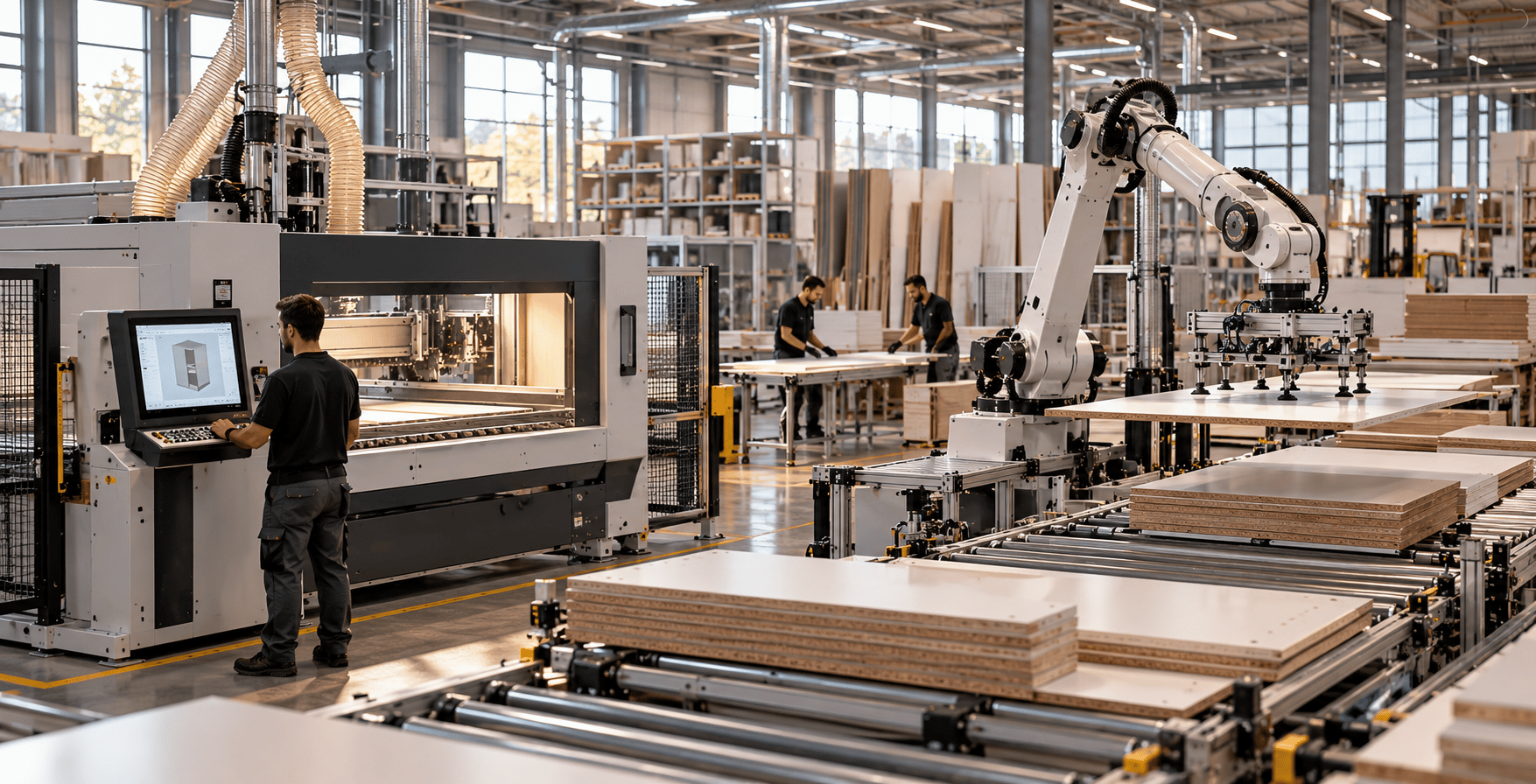
See beyond individual processes.
Connect the design workflow with production planning and execution through Corpus and Rhoe.
03 / CORPUS
From the first idea to production data, Corpus organizes the project in one digital process.
Exclusively represented in Greece by INNOPAL.
Explore Corpus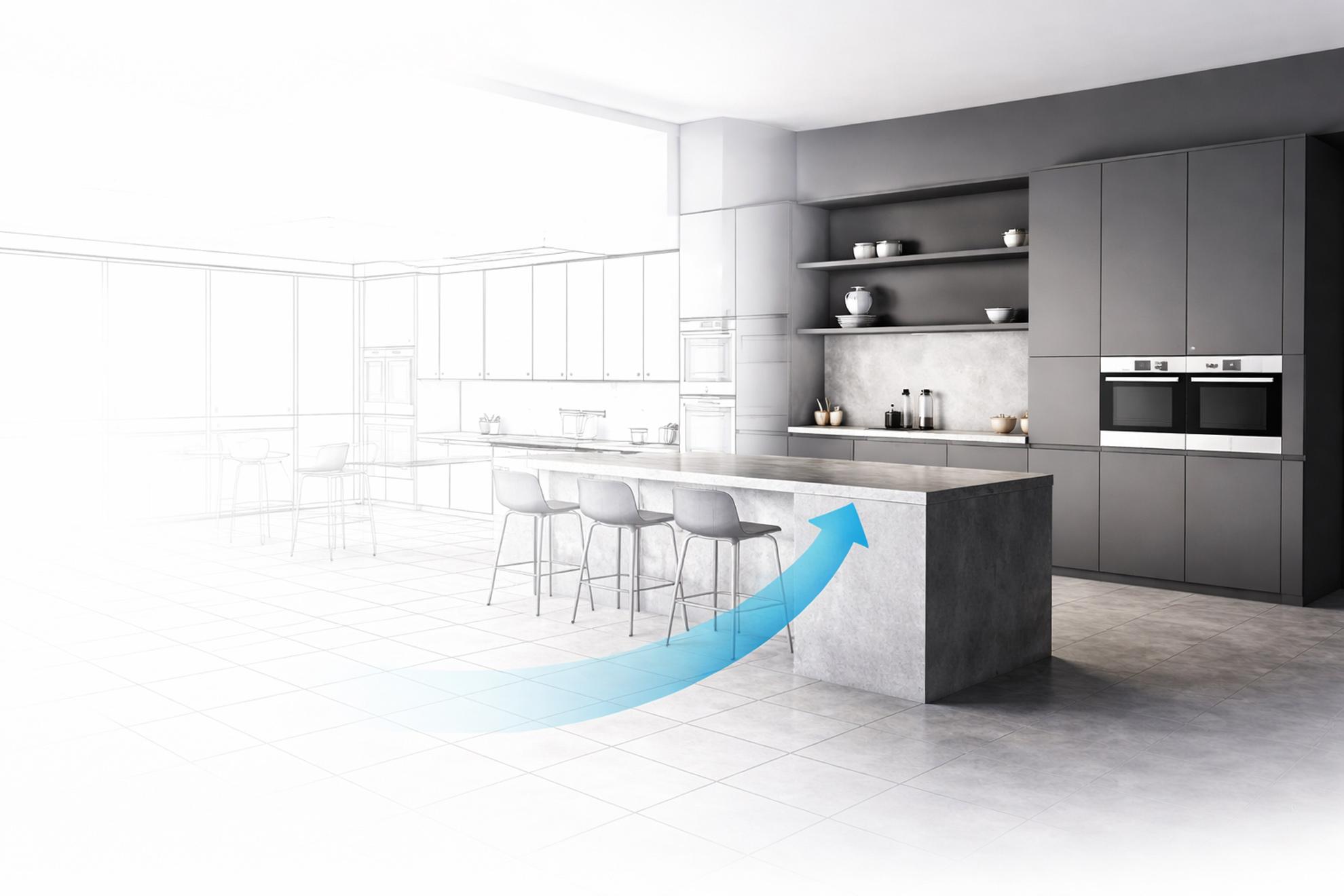
04 / RHOE MES
On-premise MES for manufacturing. Planning, production management and tracking, with an initial focus on furniture manufacturing.
An independent product with a complementary role.
Explore Rhoe MESFLOW · CONTROL · ROI
Connect the stages of your operation.
Keep the production picture in view.
Focus on the business outcomes that matter.
MONITORING / CONTROL / REPORTING / VISIBILITY
05 / CORPUS ⇄ RHOE
Structured project information gains context alongside a view of how the work progresses.
Design / Costing / Preparation
Monitoring / Control / Reporting / Visibility
Conceptual relationship. The connection and its scope are defined for each implementation.
06 / COLLABORATIVE PRODUCTION
Your production capacity doesn't have to define your ambition. A Corpus user can design and prepare a project, then transfer it to a production partner who also uses Corpus to continue the production workflow.
The handoff depends on the project, the partner and the agreed production setup.
Your relationship. Your design. Your commercial process.
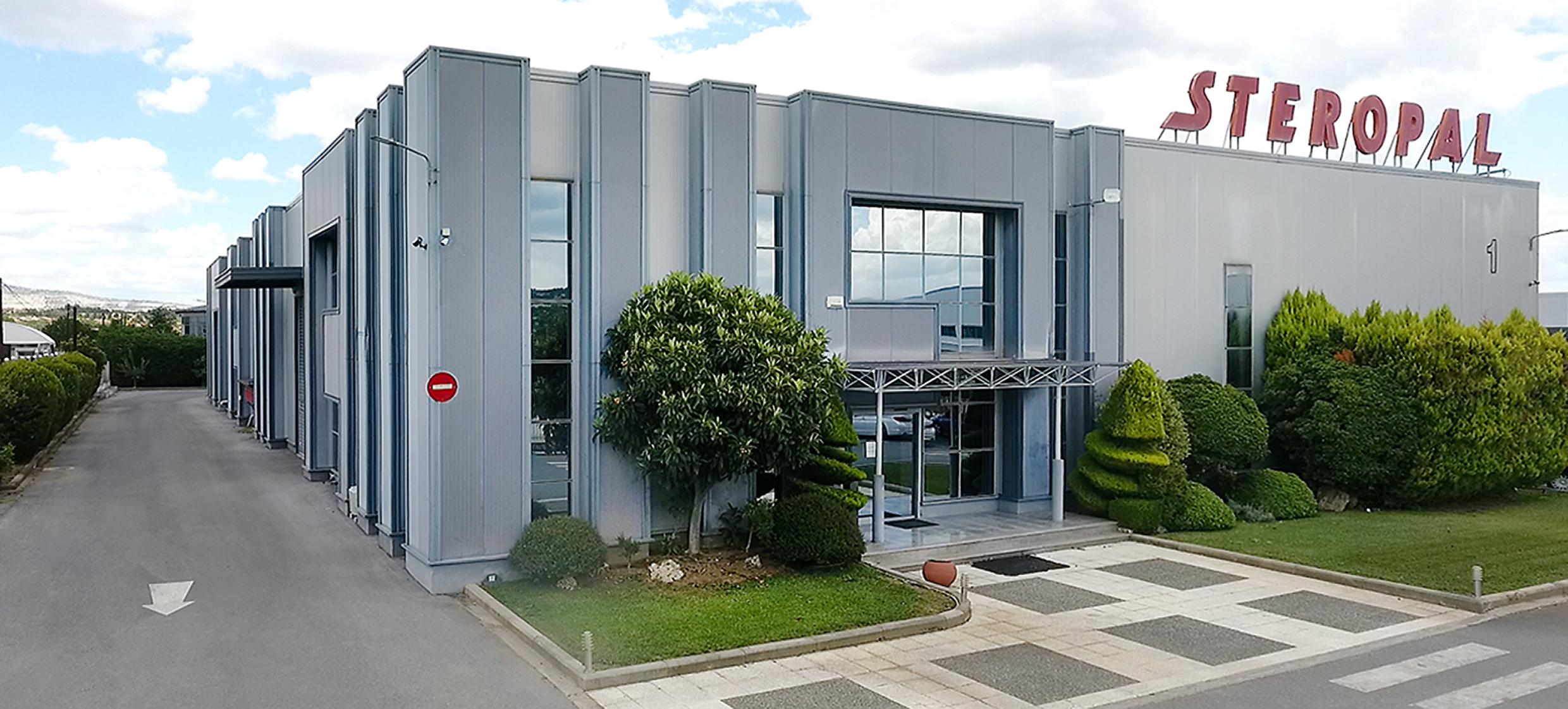
THE MODEL IN PRACTICE / CORPUS × STEROPAL
 PRODUCTION PARTNER
Design and organize your projects in Corpus, with STEROPAL as your production partner.
Eligible STEROPAL customers may access Corpus on particularly advantageous commercial terms. Conditions are reviewed individually.
07 / WHY INNOPAL
Industry knowledge, practical implementation and local support — together, around the way your business works.
FROM UNDERSTANDING TO EVERYDAY USE
A conversation grounded in furniture and manufacturing, from the first design to production.
Your workflow, mappedTurn the choice of software into a considered way of working for your business.
A considered implementation planLook at how your tools can connect, with a clear scope for each implementation.
A clear connection scopeWork with a team in Greece that understands your context and speaks your language.
A local point of contact08 / KNOWLEDGE IN PRACTICE
This space is reserved for verified customer projects and their real results.
Articles, practical guides and case studies will be added here as they are published.
No publications yet
LET'S LOOK AT YOUR WORKFLOW
Tell us where you are today and what you want to improve. Let's explore what the right digital workflow could look like for you.
Book a demo