
More time
Reduce repetitive tasks from design to preparation. Make more time for your customer and the next project.
FURNITURE CAD/CAM · FROM INNOPAL
Design, cost and prepare furniture for production in one connected process.
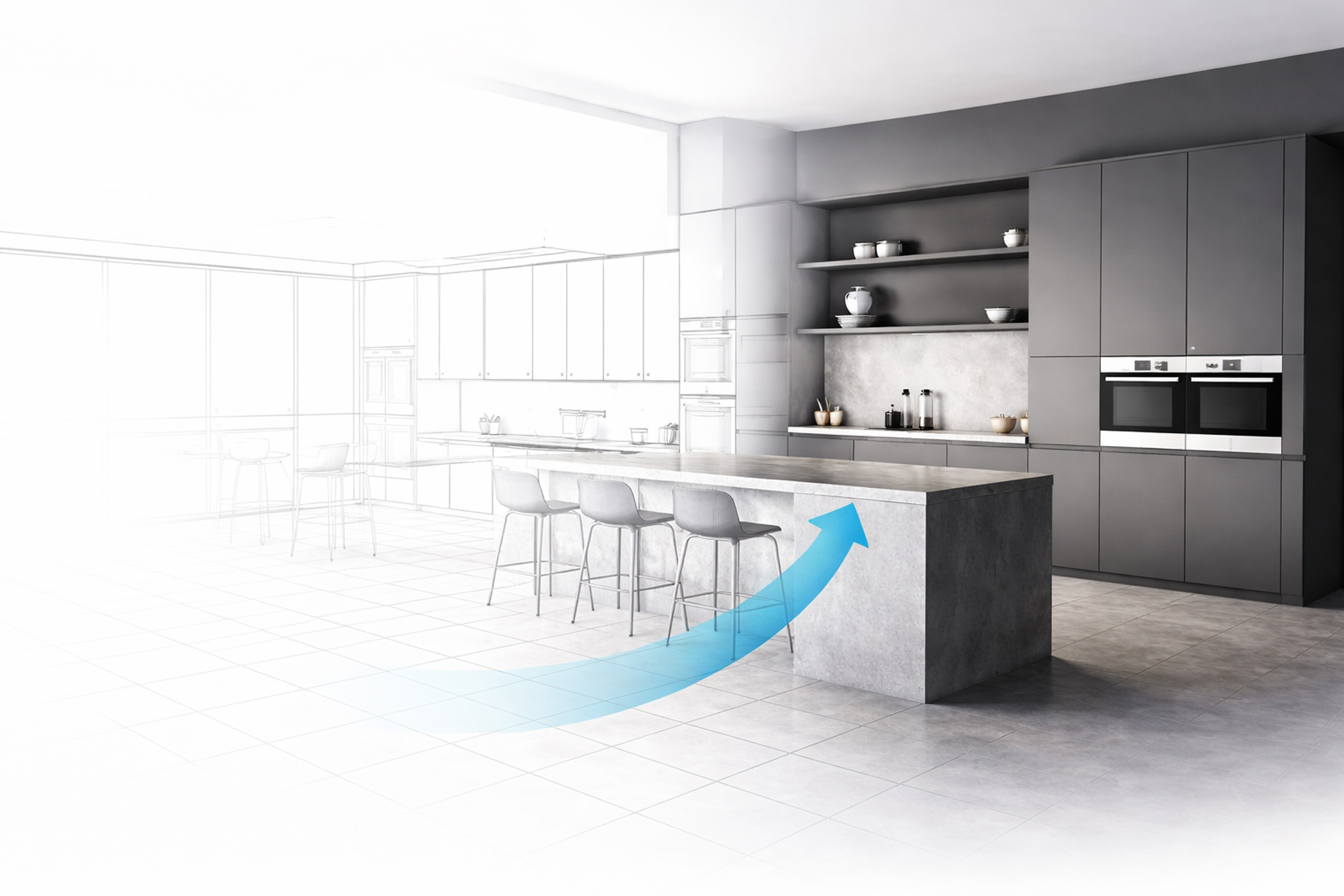
Design the furniture, choose materials and fittings, configure it, understand its cost and prepare production — without entering the same data from scratch at every stage.
From design to finished furniture
Six stages. One continuous process.
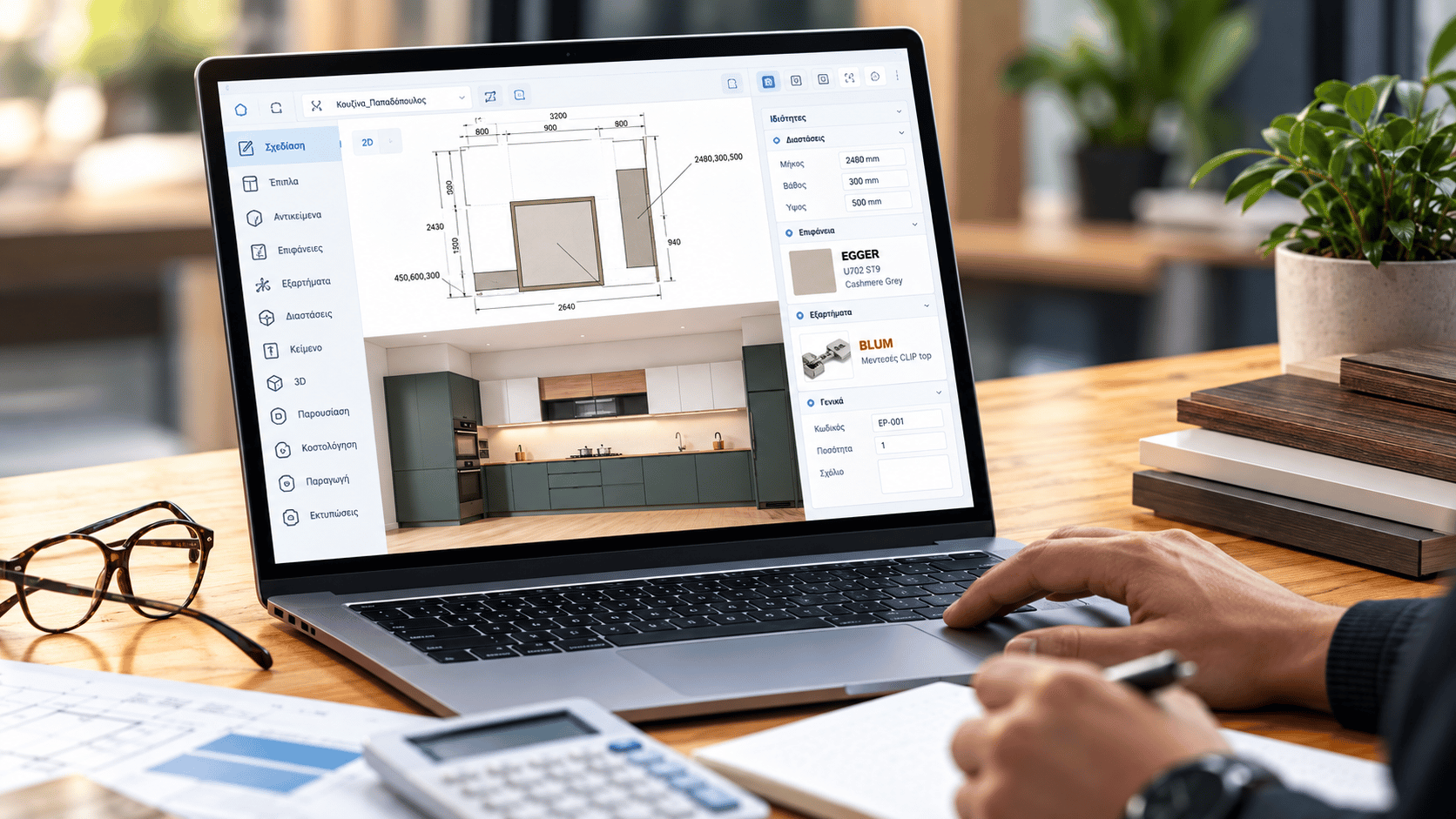
Design
Create furniture quickly and easily using floor plans, elevations, side views or a direct 3D view.
Corpus is designed to make creating and changing furniture a matter of a few steps, without a complicated drawing process.
The furniture takes shape.
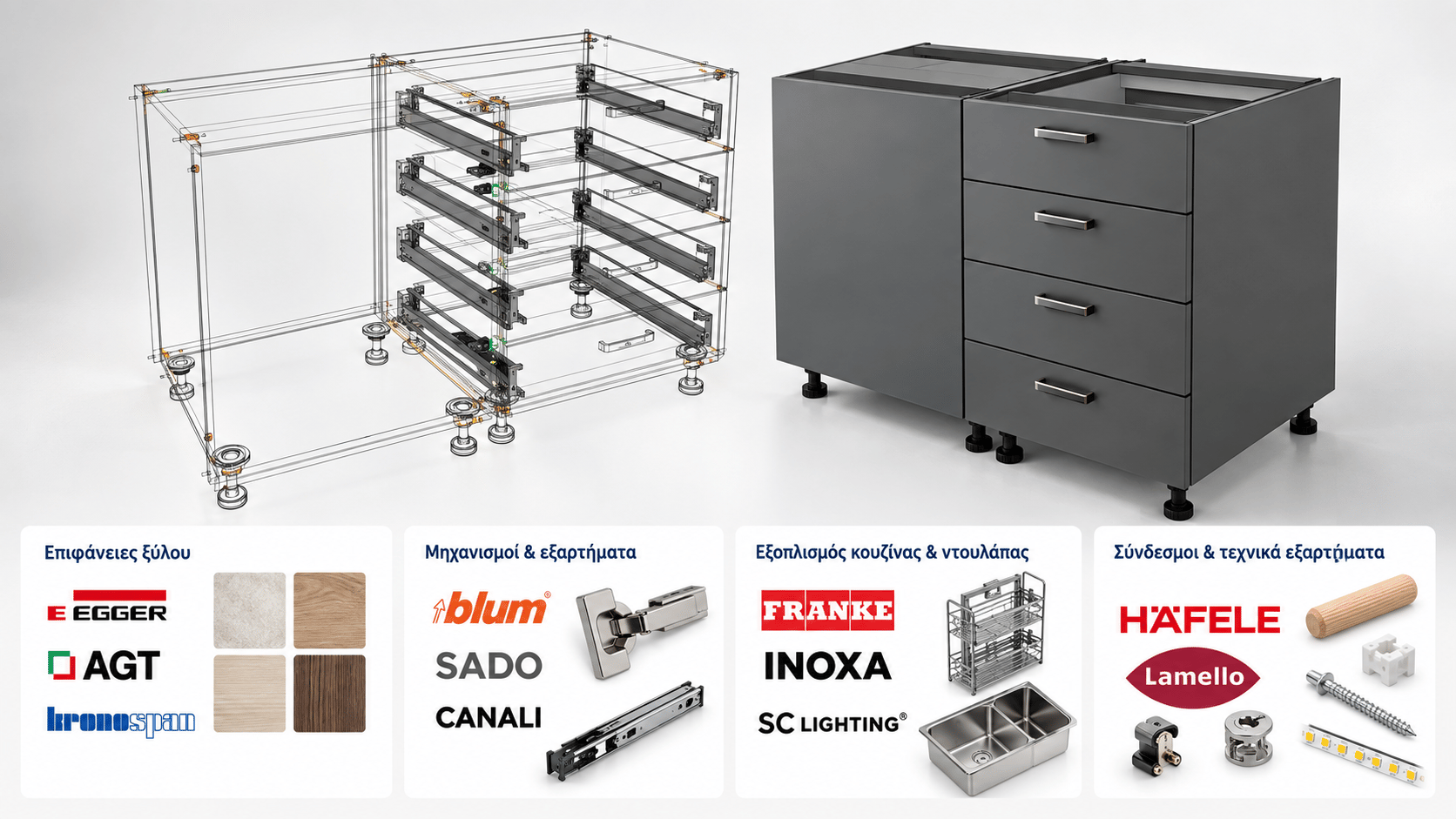
Select
Corpus provides an extensive, prepared library of cabinets, wardrobes, components, materials, surfaces, fittings and kitchen and wardrobe equipment. You can start productive work in the first days after installation, without building everything from scratch.
Minimal initial setup. More time for real projects.
The design gains real materials and fittings.
Configure
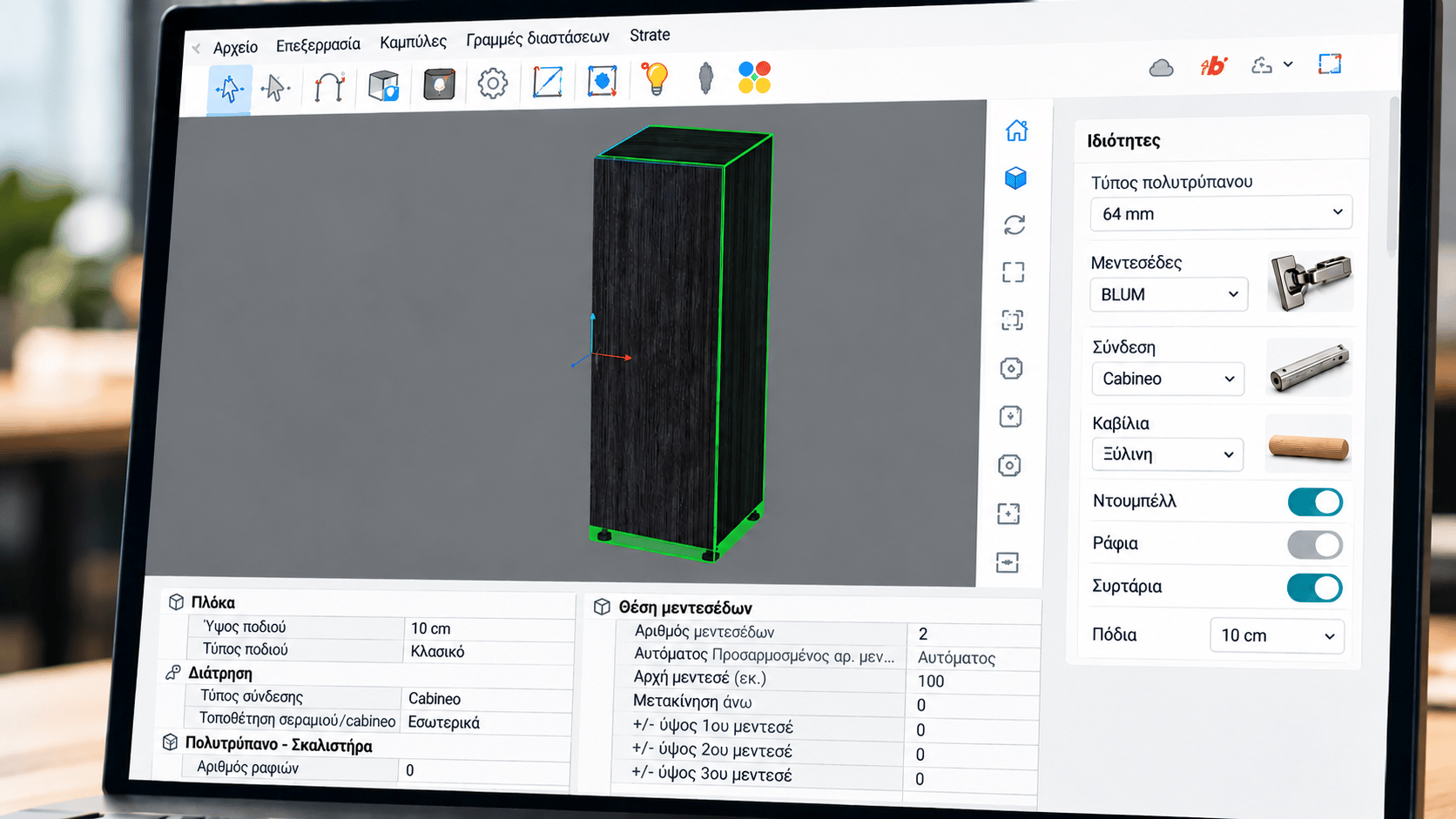
Corpus objects are dynamic and configurable. Easily change dimensions, materials, fittings and construction choices without redrawing the furniture from scratch.
From hinges and dowels to drilling patterns, Cabineo and other construction details, rules can be built into the model and automatically follow changes to the design.
The furniture adapts to the way you build.
Cost
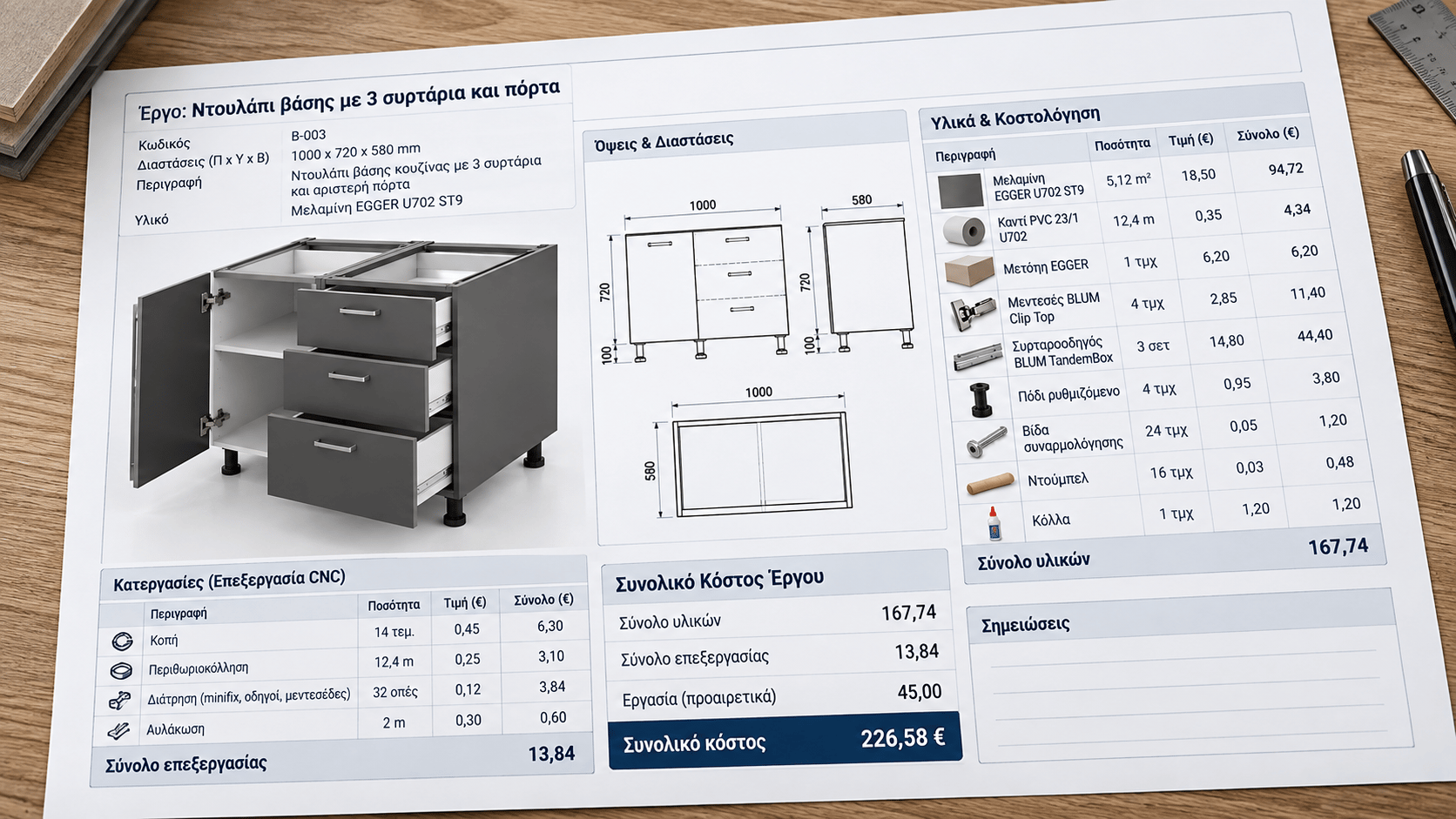
Changes to the design, materials and fittings can be reflected in costing based on your company’s own methodology. Compare alternatives and prepare quotations faster, with a clearer cost picture.
Configured rules can calculate costs per metre, m², item, machining operation or hole, time, and other company-specific requirements.
Every choice gains a cost view.
Produce
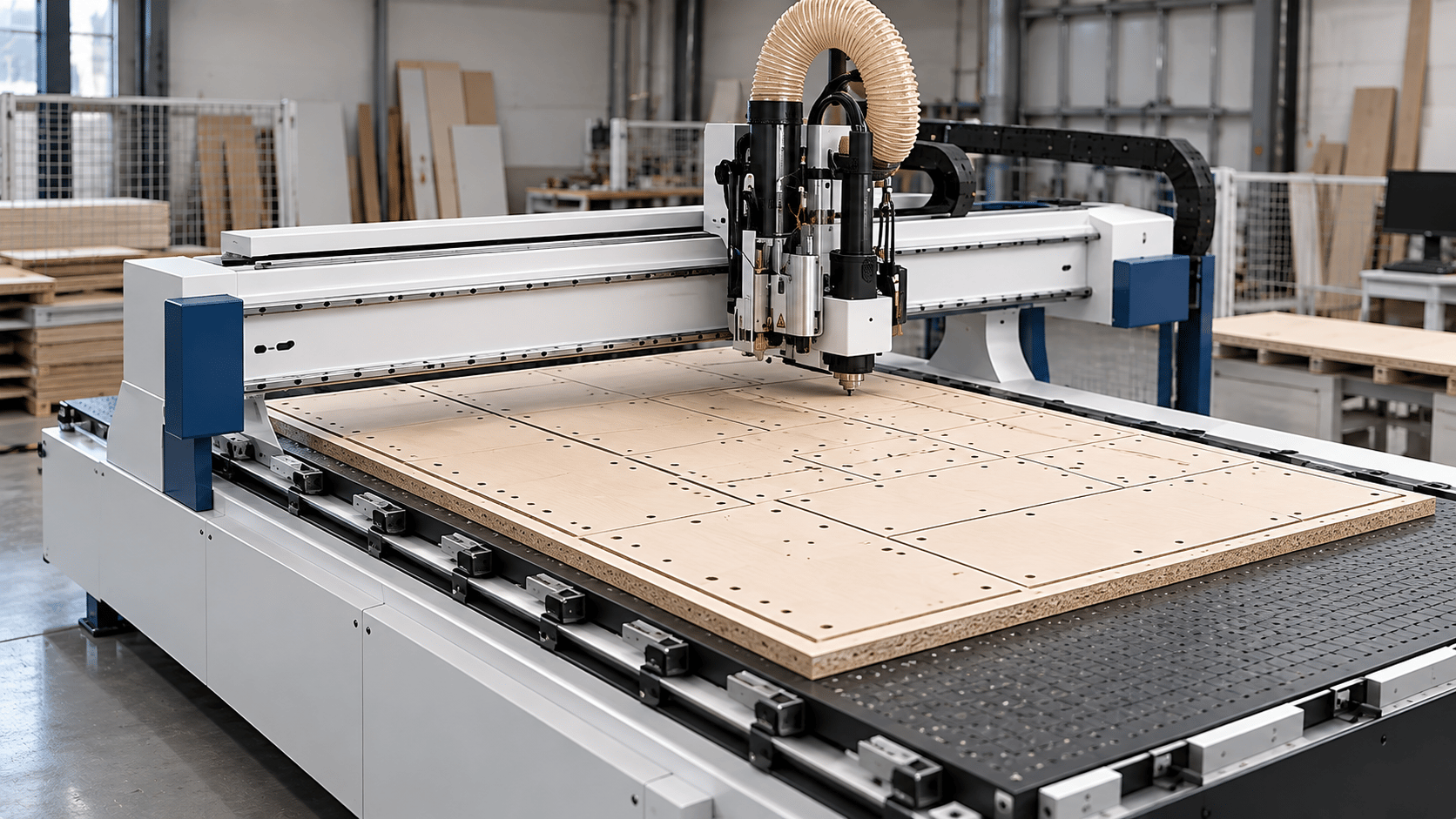
Through appropriate post-processors, Corpus can connect to a broad range of woodworking and CNC machinery, supporting equipment from both well-known and less widely known manufacturers.
Integrated optimization capabilities, where included in the product configuration, can use design data to optimize production and prepare the required equipment files. Less manual data transfer, fewer repetitive steps and fewer opportunities for error between design and machine.
The design becomes production information.
BOM & assembly
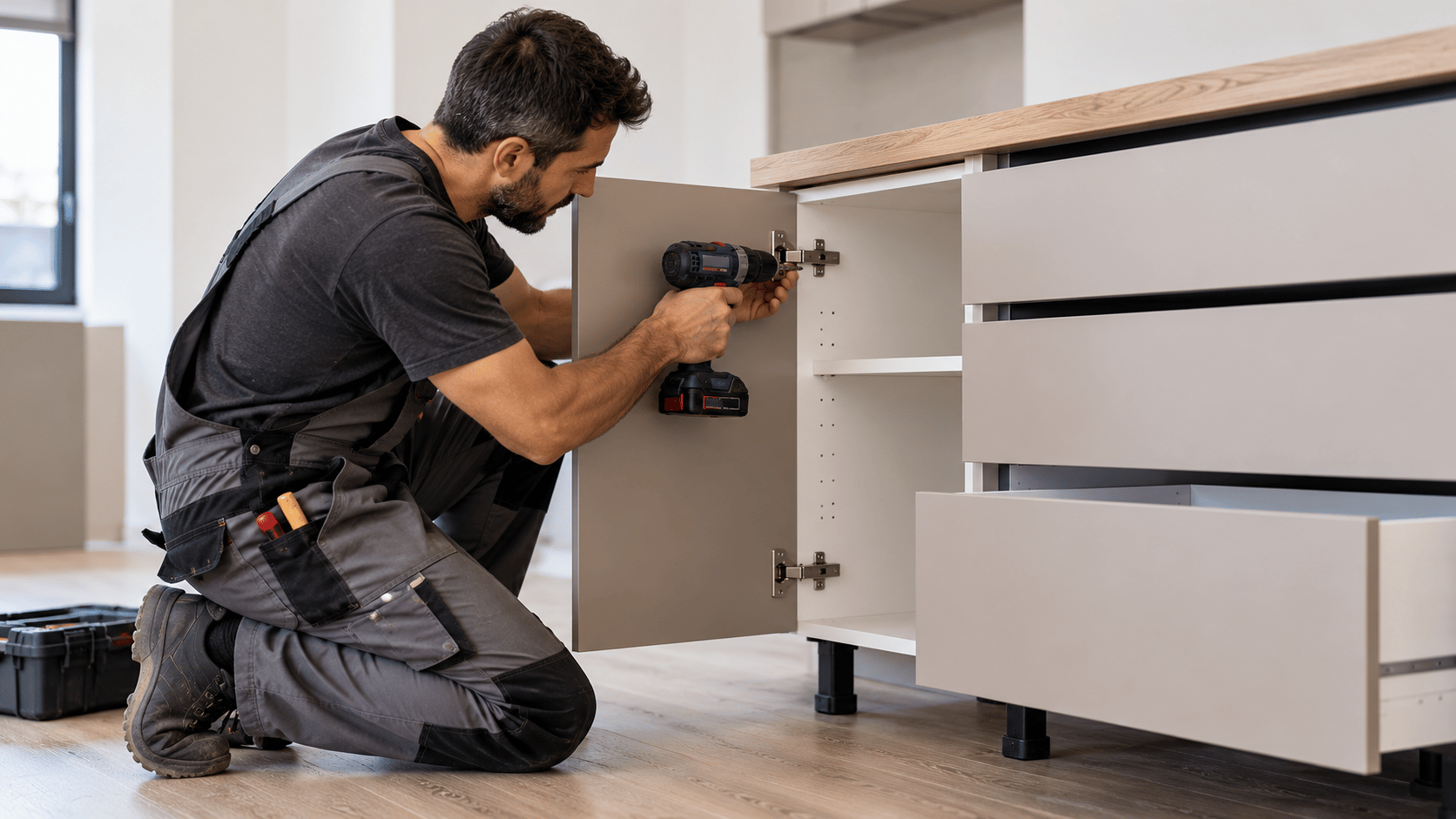
Corpus organizes information created during design and can produce Bills of Materials and fittings lists, together with information that supports production and assembly.
From the first design to finished furniture, information stays organized and available at every stage, reducing repeated work and omissions.
From design to finished furniture.
From the first design to assembly,
everything stays organized in one connected process.Corpus / Value in your work
Reduce repetitive tasks from design to preparation. Make more time for your customer and the next project.
Understand project economics before production, using consistent costing rules and up-to-date inputs.
Move from a technical design to a view that helps customers understand the result. Additional rendering or AI tools are evaluated for the chosen presentation workflow.
Components, parameters and construction rules become reusable knowledge. The team works more consistently, with less dependence on information held by one person.
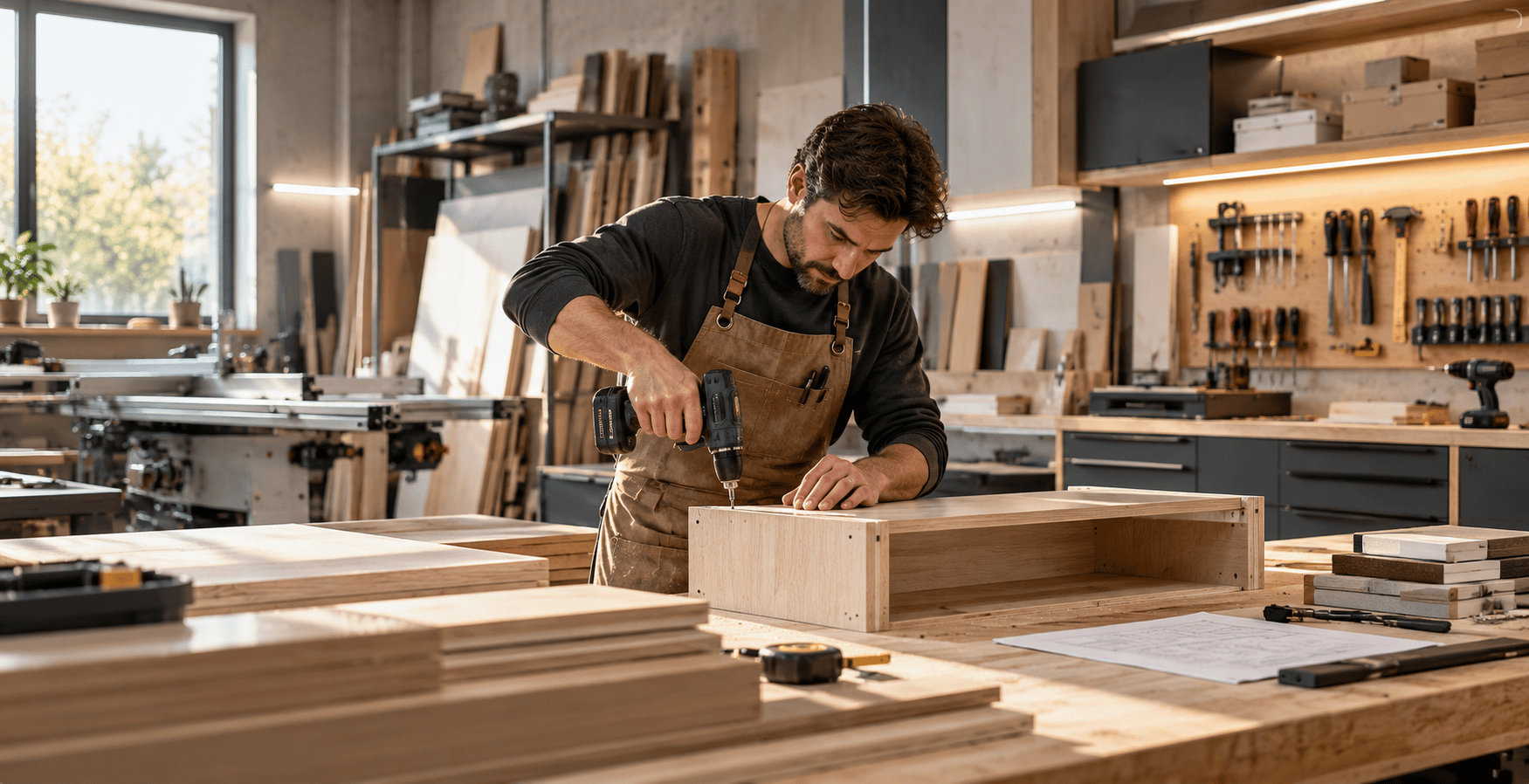
Keep design, costing and customer presentation in your hands. Prepare to collaborate with a suitable production partner.
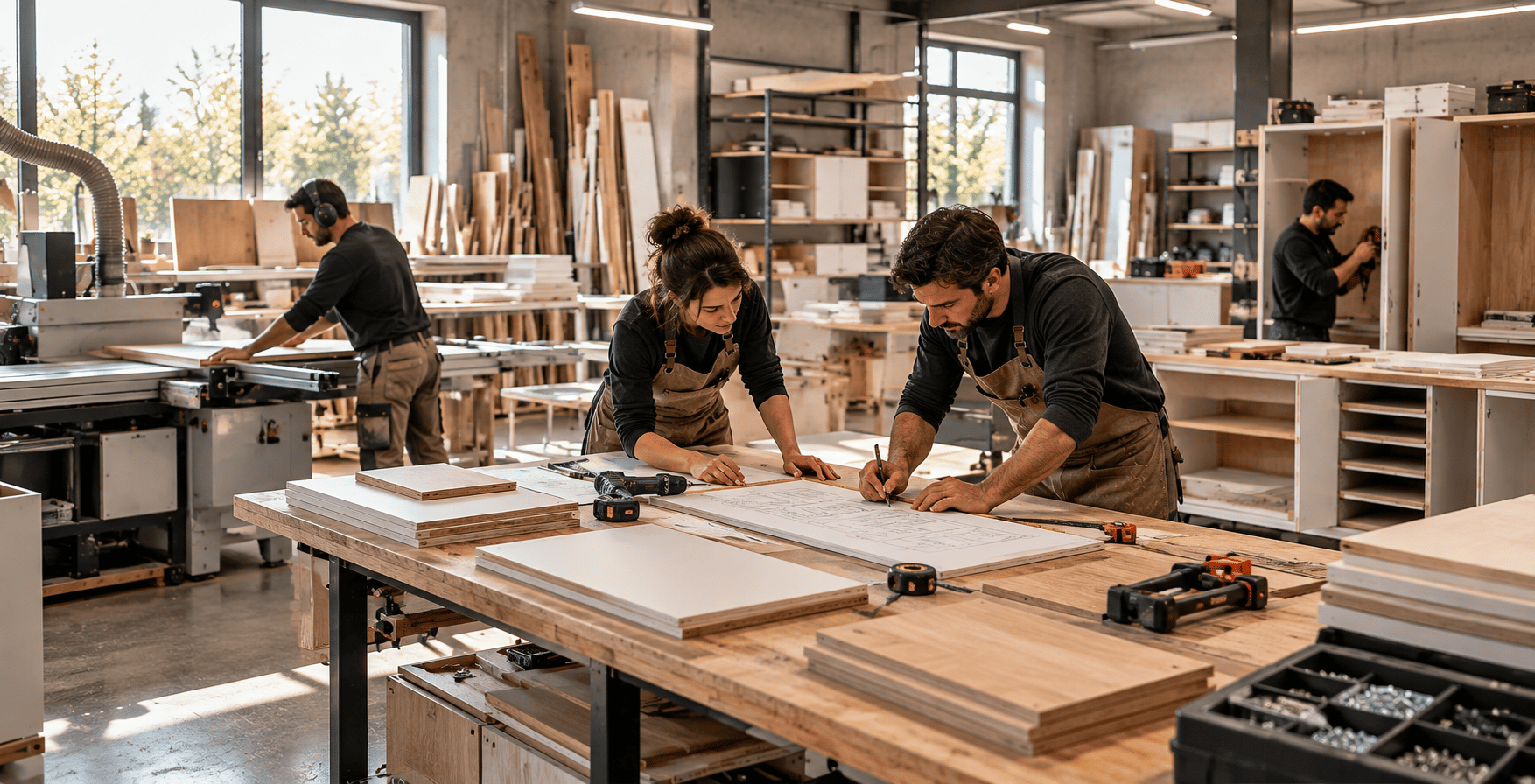
Connect design and costing with preparation for your own production and compatible CNC workflows.
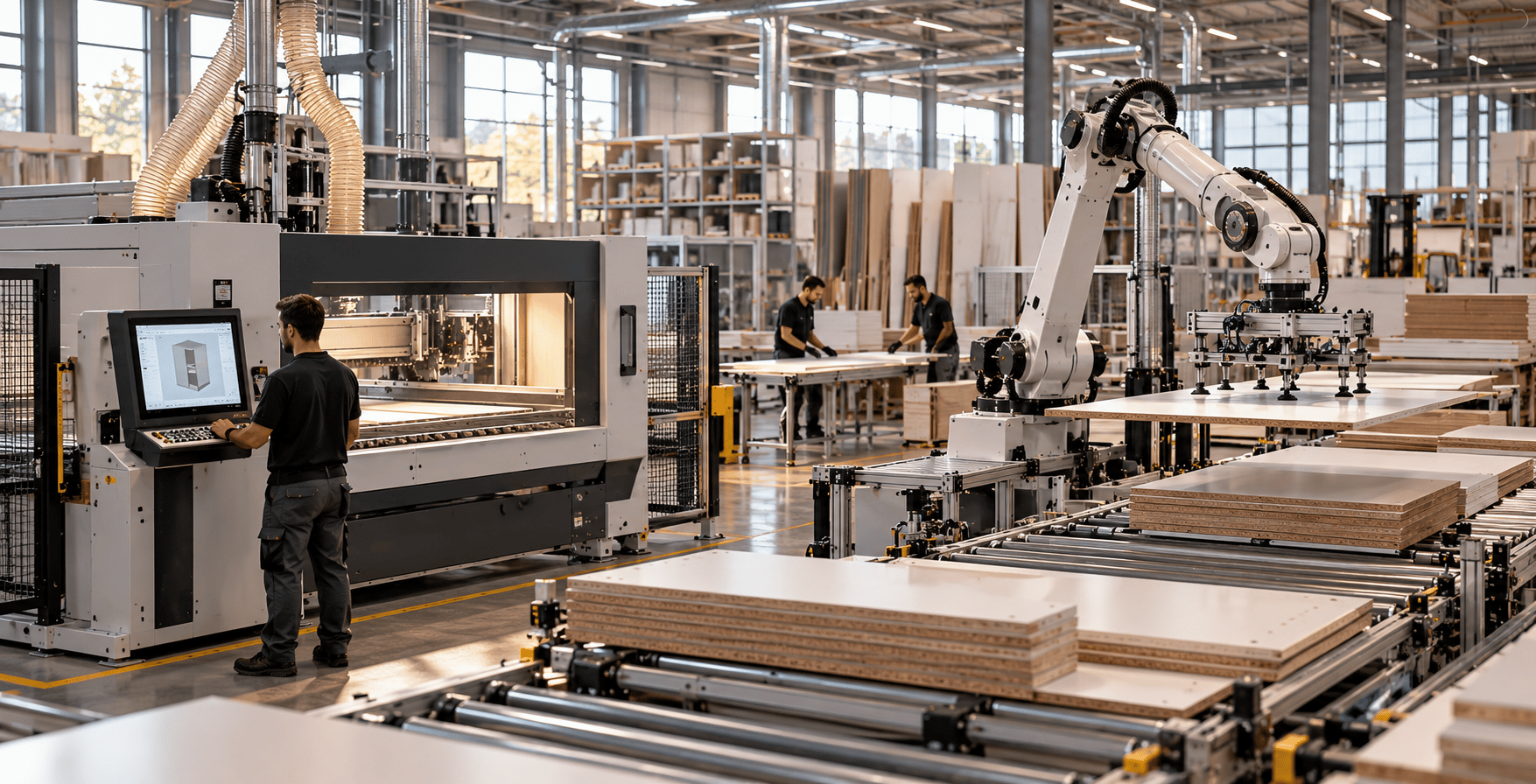
Give rules, production data and automation a shared structure. Connections to management systems are assessed for each implementation.
06 / COLLABORATIVE PRODUCTION
Keep the customer relationship, design, costing and quotation in your hands. An organized design with materials, costing and specifications can support collaboration with a suitable production partner, without owning every machine or a complete production line from day one.
Compatibility, files and handoff specifications are agreed with the partner before production.

Prepare your project in Corpus and collaborate with STEROPAL for production under the applicable cooperation model.
Eligible STEROPAL partners may be able to access Corpus on particularly advantageous commercial terms. Eligibility is reviewed individually.
I'm interested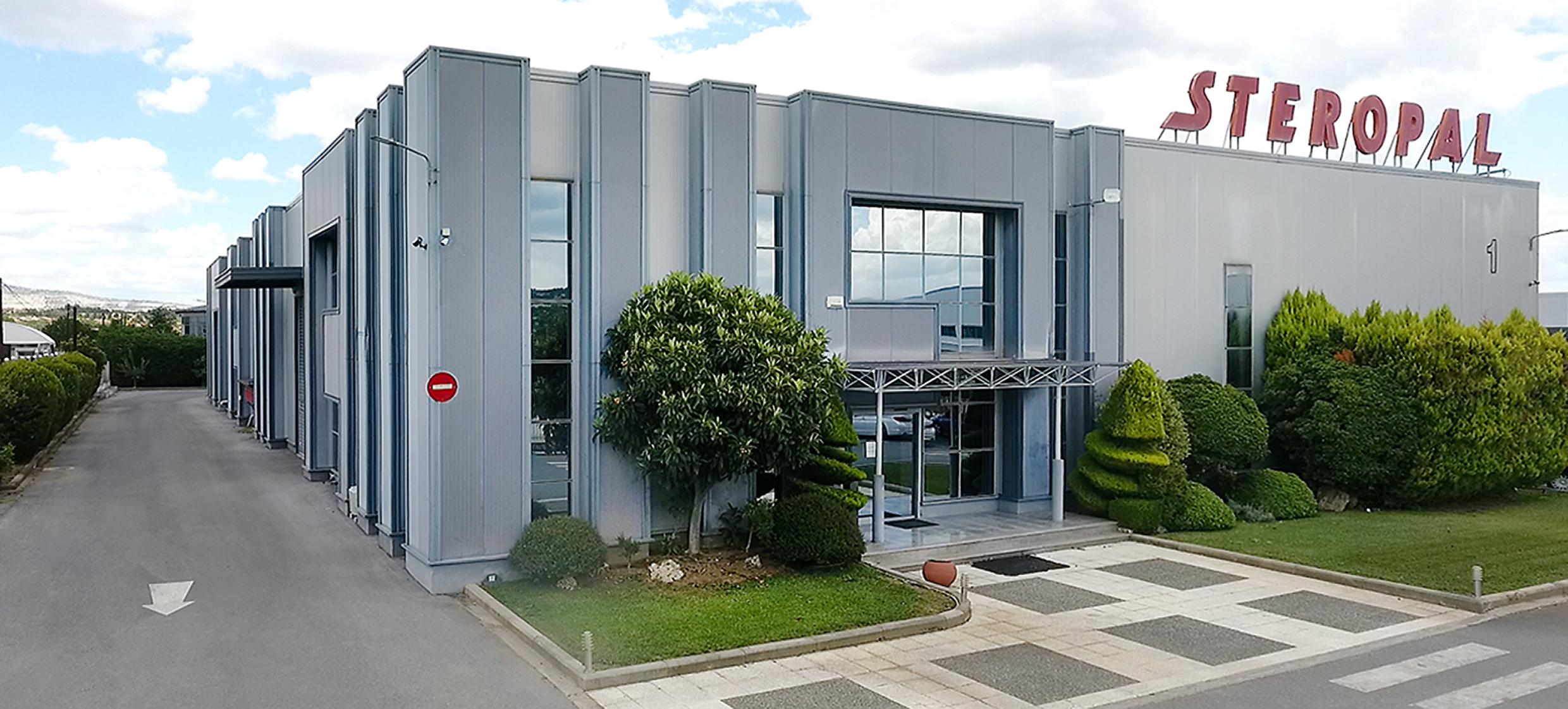
Complementary roles. The connection and its scope are defined for each implementation.
Discover Rhoe MESOrganizes the furniture design, materials, costing and production preparation.
Adds monitoring, control and operational visibility around production.
Corpus / INNOPAL
Let's explore how it could fit your design, costing and production process.
Book a demo